

Descrición
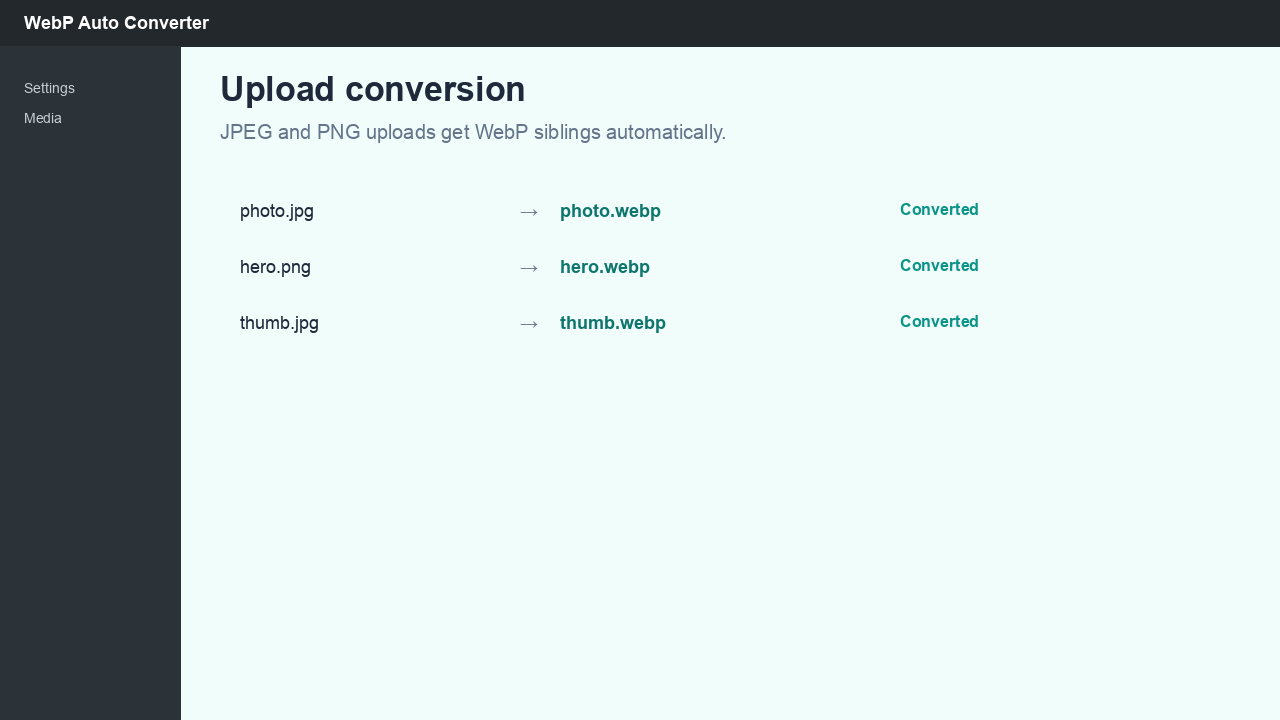
Sasim WebP Auto Converter creates WebP copies of your JPEG and PNG uploads and automatically outputs them on the front end — no theme code required.
Plug & play (enabled by default)
- Featured images (
the_post_thumbnail) wp_get_attachment_image()output- Images in post content, text widgets, and block widgets
- Responsive
<picture>with WebP<source>when sibling files exist
Disable under Settings WebP Converter if your theme uses custom image helpers.
Conversion
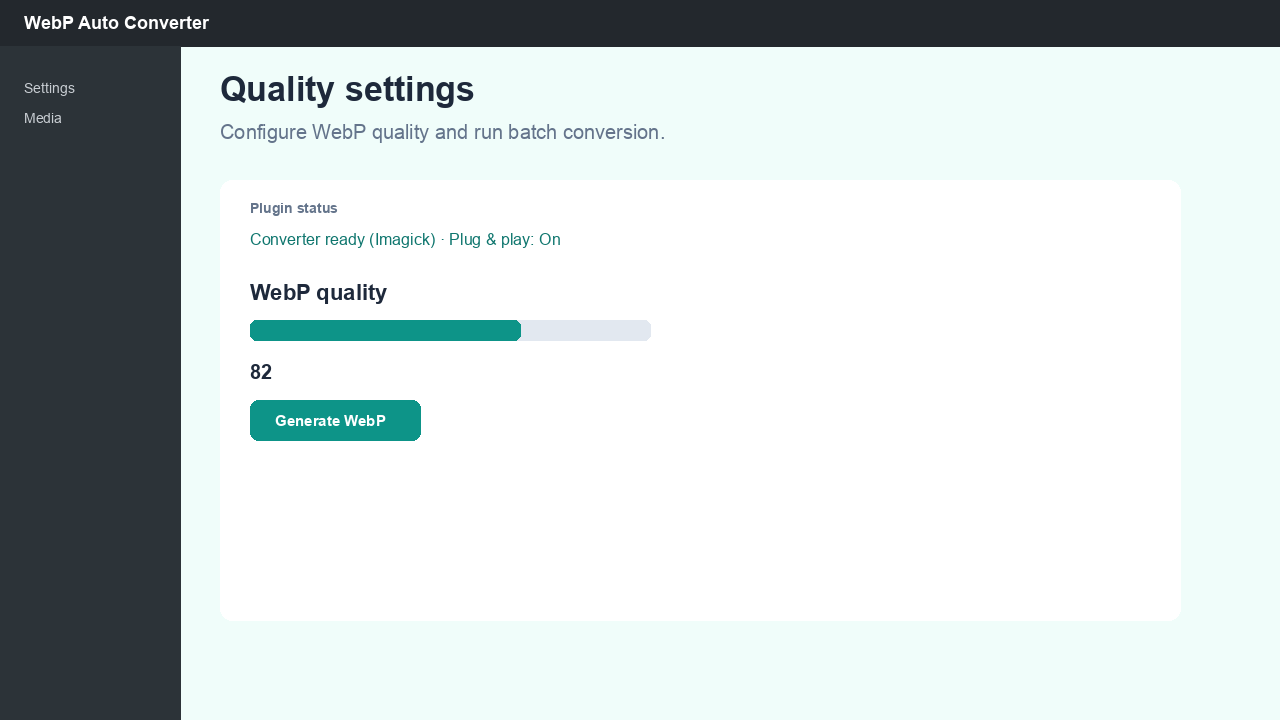
- Configurable WebP quality (0–100)
- Batch tool for existing media library images
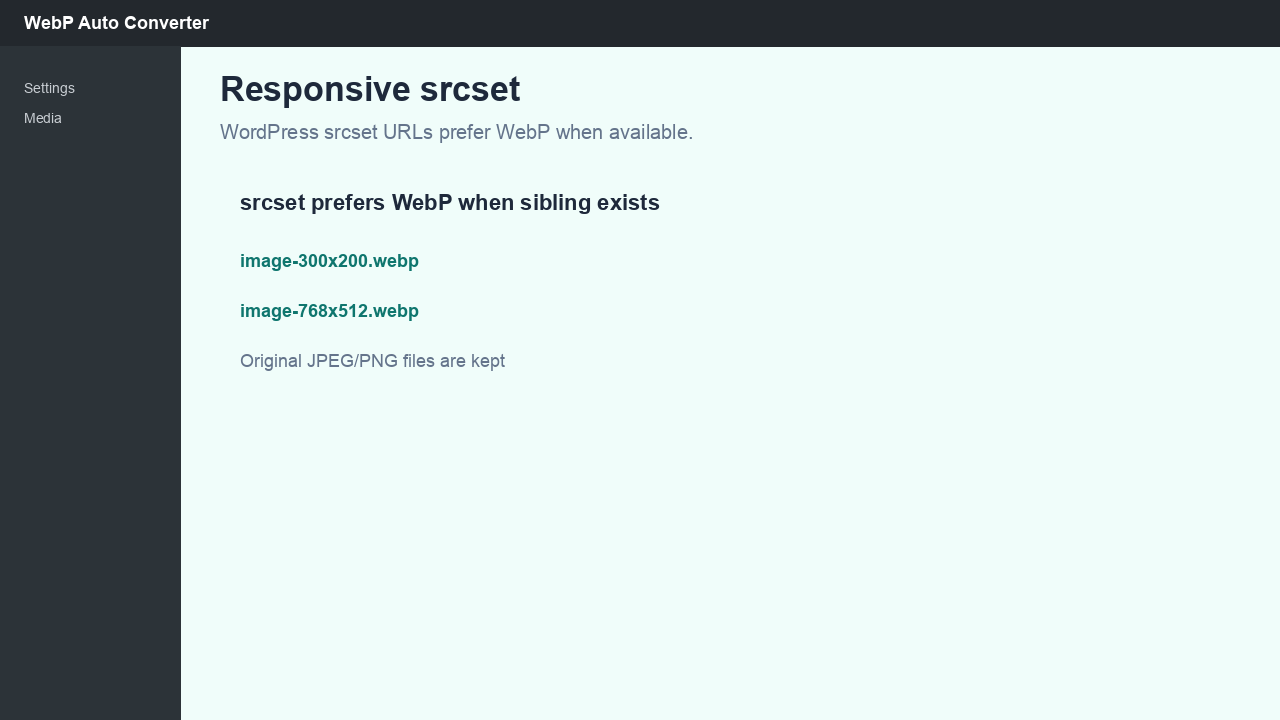
- Prefers WebP URLs in
srcsetwhen a sibling.webpfile exists - Removes WebP siblings when the attachment is deleted
- Uses Imagick when available, falls back to GD
Requirements
- PHP 7.4+
- GD with WebP support (
imagewebp) or Imagick with WebP support
Privacy
This plugin processes images only on your server. It does not collect, store, or transmit personal data to external services. Batch conversion runs via authenticated admin AJAX only.
External services
This plugin does not connect to third-party services. Image conversion uses your server’s GD or Imagick extension only.
Capturas
Instalación
From WordPress.org (after approval)
- Go to Plugins Add New.
- Search for Sasim WebP Auto Converter.
- Click Install Now, then Activate.
Manual upload
- Upload the
sasim-webp-auto-converterfolder to/wp-content/plugins/. - Activate the plugin through the Plugins menu in WordPress.
- Open Settings WebP Converter to adjust quality or batch-convert existing images.
Front-end WebP output works automatically when plug & play is enabled (default).
Preguntas frecuentes
-
Does this delete my original JPEG or PNG files?
-
No. The plugin creates additional
.webpfiles alongside the originals. With plug & play enabled, browsers that support WebP receive<picture>markup automatically. -
Do I need to edit my theme?
-
No. Plug & play is on by default. Disable it in settings if your theme already outputs custom
<picture>elements and you want to avoid double processing. -
Will every visitor receive WebP images?
-
With plug & play enabled, the plugin outputs
<picture>with a WebP<source>when sibling files exist. Browsers that support WebP load the smaller format; others fall back to JPEG/PNG via the<img>tag. -
What quality should I use?
-
80–85 is a good starting point for photographs. Lower values reduce file size but may reduce visual quality. Re-run batch conversion after changing quality to regenerate existing WebP files.
-
Does it work on existing uploads?
-
Yes. Use Generate WebP on the settings page to process the media library in batches.
-
Does the plugin send data to external servers?
-
No. All conversion happens locally using PHP GD or Imagick. The batch tool uses WordPress AJAX in the admin only.
-
What happens on uninstall?
-
Plugin options are removed. Generated
.webpfiles remain on disk so your site keeps working; delete them manually if you no longer need them. -
Does it work with page builders and CDNs?
-
Plug & play enhances standard WordPress image output. Page builders that bypass core APIs may need theme helpers (see plugin documentation). CDNs that serve your uploads directory will serve
.webpsiblings when URLs point to them. -
Can I use this with other image optimization plugins?
-
Avoid running multiple plugins that both convert uploads to WebP or rewrite the same image markup. Test on staging first.
-
Which image formats are supported?
-
JPEG and PNG uploads are converted. SVG and GIF are not converted. WebP output requires server support (GD
imagewebpor Imagick). -
Multisite?
-
Each site has its own settings and media library. Network-activate if you want the plugin available on all subsites.
Comentarios
Non hai recensións para este plugin.
Colaboradores e desenvolvedores
“Sasim WebP Auto Converter” é un software de código aberto. As seguintes persoas colaboraron con este plugin.
Colaboradores
Traduce “Sasim WebP Auto Converter” ao teu idioma.
Interesado no desenvolvemento?
Revisa o código, bota unha ollada aorepositorio SVN, ou subscríbete ao log de desenvolvemento por RSS.
Rexistro de cambios
1.4.1
- WordPress.org directory slug
sasim-webp-auto-converter(display name: Sasim WebP Auto Converter) - Prefixed functions, options, AJAX actions, and admin script handles (
saswac_*) - Redesigned settings page: status strip, postbox sections, batch progress bar
- Quality slider with synced number input
- For developers section with theme helpers documentation link
- Batch AJAX progress fields: total, processed, converted_batch
- Tested up to WordPress 7.1
1.3.0
- Plug & play mode: auto-enhance featured images, attachment images, and content (on by default)
- Settings toggle to disable front-end auto output
- Developer filters:
saswac_auto_output_enabled,saswac_should_auto_output,saswac_default_sizes_attr
1.2.1
- WordPress-native helpers without ACF: featured image, post meta, options, wp_attachment_image drop-in
1.2.0
- Theme helper functions for responsive
<picture>WebP output (saswac_*) - Optional
the_contentfilter (disabled by default) - Documentation: docs/theme-helpers.md
1.1.0
- WordPress.org release pack: readme, uninstall cleanup, i18n text domain
- Batch regeneration for existing media library images
- Imagick support with GD fallback
- WebP cleanup on attachment delete
1.0.0
- Initial release: upload conversion, srcset WebP preference, settings page