

Descrición
Most of the plugins and even standart WordPress tabs in the admin menu are not used very often.
With this plugin you can make rarely used items in the admin menu invisible until you need them.
You can just toggle them whenever you need them with Toggle Extra button in the left menu.
Capturas
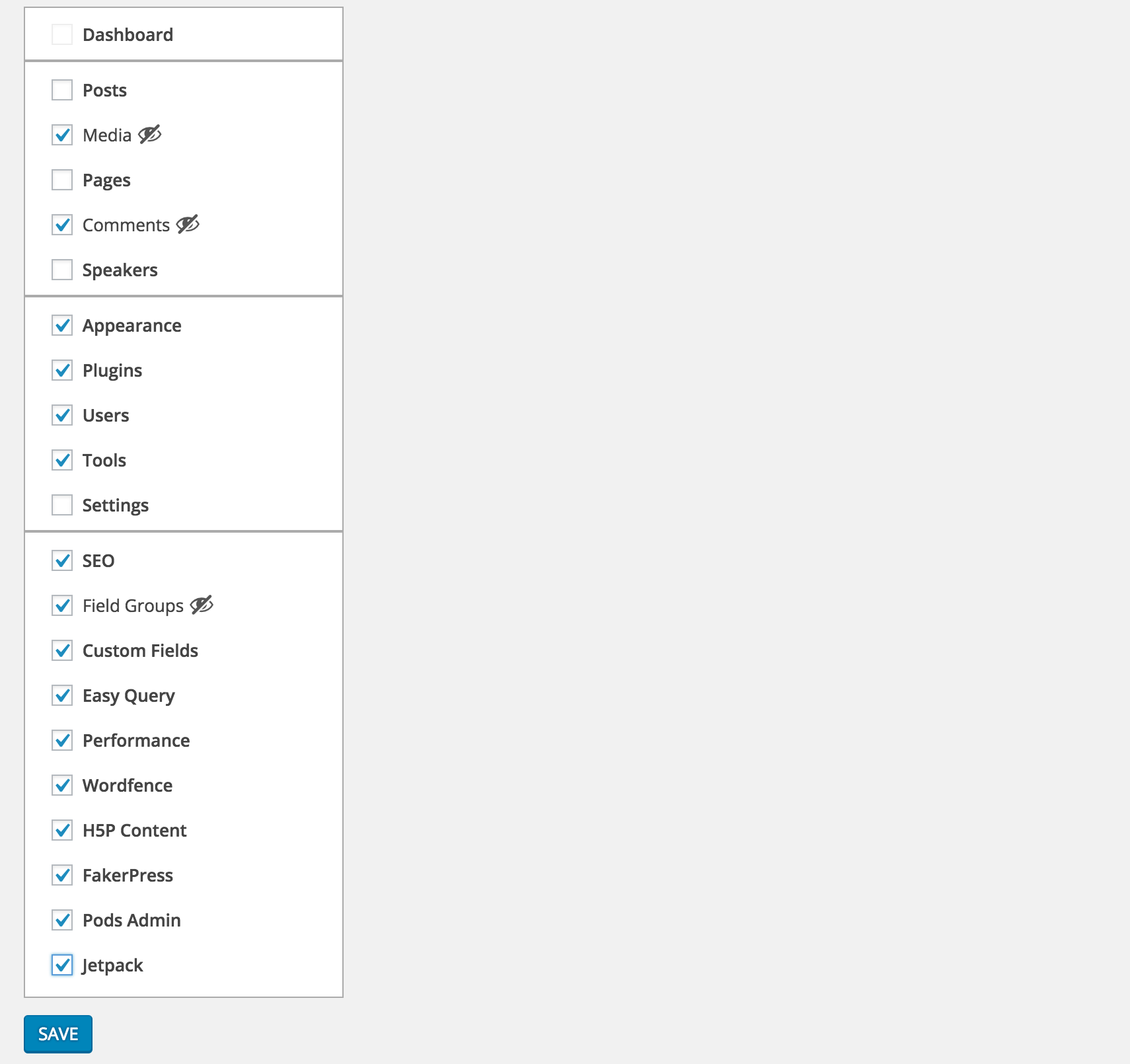
Select the menu items you want to hide from Settings > Clean Admin Menu

Unless they are current active item, selected items will be hidden

To see the selected items you can simply press Toggle Extra
Instalación
- Download and activate the plugin.
- Browse to the
Clean Admin Menusection under Settings to configure.
Preguntas frecuentes
- How does it work
-
It simply hides&show the elements via css and javascript.
Comentarios


Colaboradores e desenvolvedores
“Clean WP Admin Menu” é un software de código aberto. As seguintes persoas colaboraron con este plugin.
Colaboradores
“Clean WP Admin Menu” foi traducido a 1 idioma. Grazas aos desenvolvedores polas súas contribucións.
Traduce “Clean WP Admin Menu” ao teu idioma.
Interesado no desenvolvemento?
Revisa o código, bota unha ollada aorepositorio SVN, ou subscríbete ao log de desenvolvemento por RSS.
Rexistro de cambios
1.0.0
- First version
1.0.1
- PHP 5.2 syntax fix