

Descrición
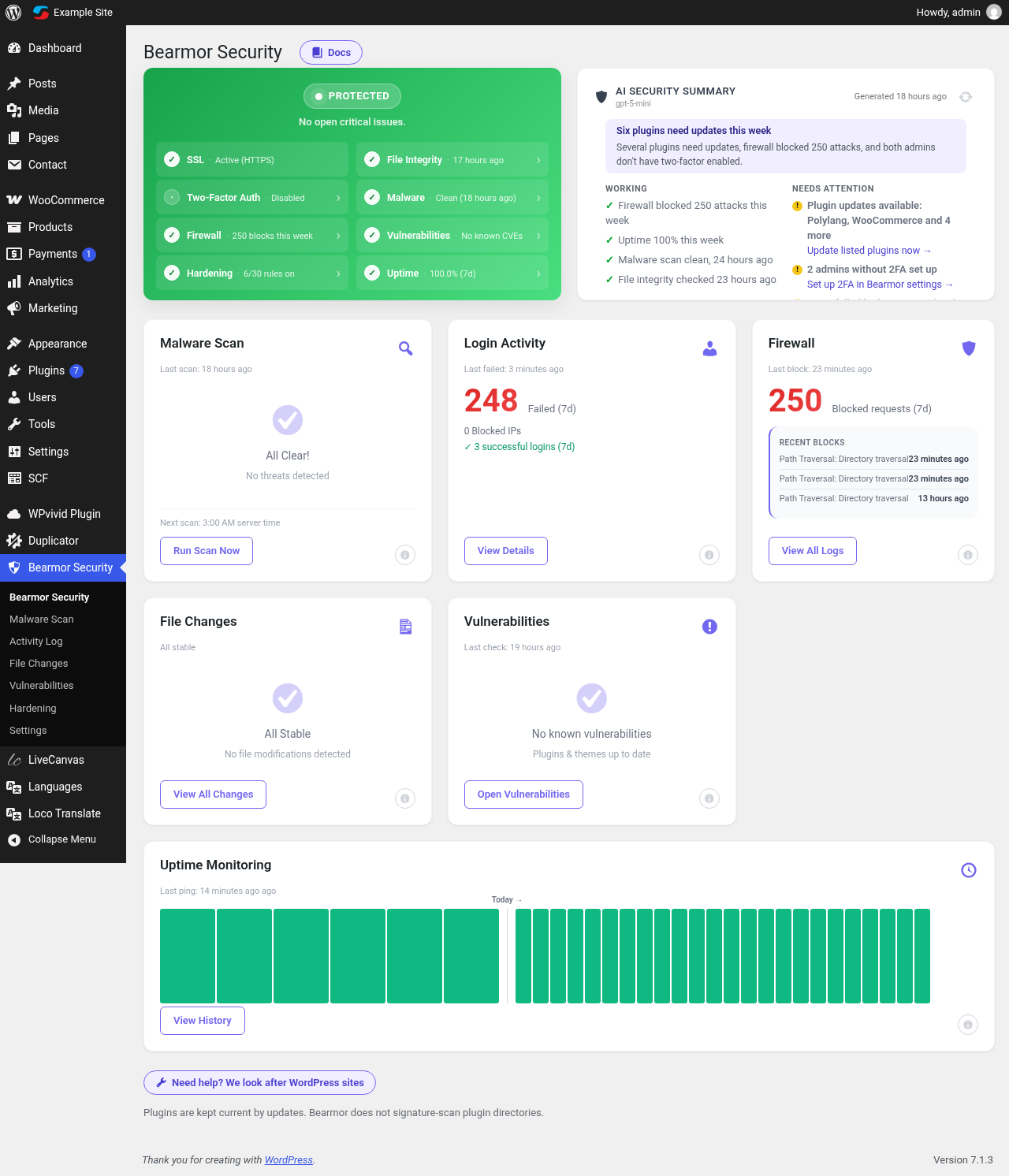
Bearmor Security puts straightforward, professional WordPress security tools on small business and WooCommerce sites — without charging for essential features. The plugin is completely free: no PRO plan, no upsell tiers, no feature locks. Features other security plugins keep behind paid plans are free here: two-factor authentication with an authenticator app, daily vulnerability alerts, a plain-language AI security summary, a web application firewall and file integrity monitoring.
You get one clear dashboard that tells you whether your site is Protected, needs a Review, or needs Action — and links directly to the setting to fix it. Setup is quick and reversible, and each hardening rule explains what it does and what could break.
Documentation: step-by-step setup guides are at bearmor.eu/docs.
Firewall
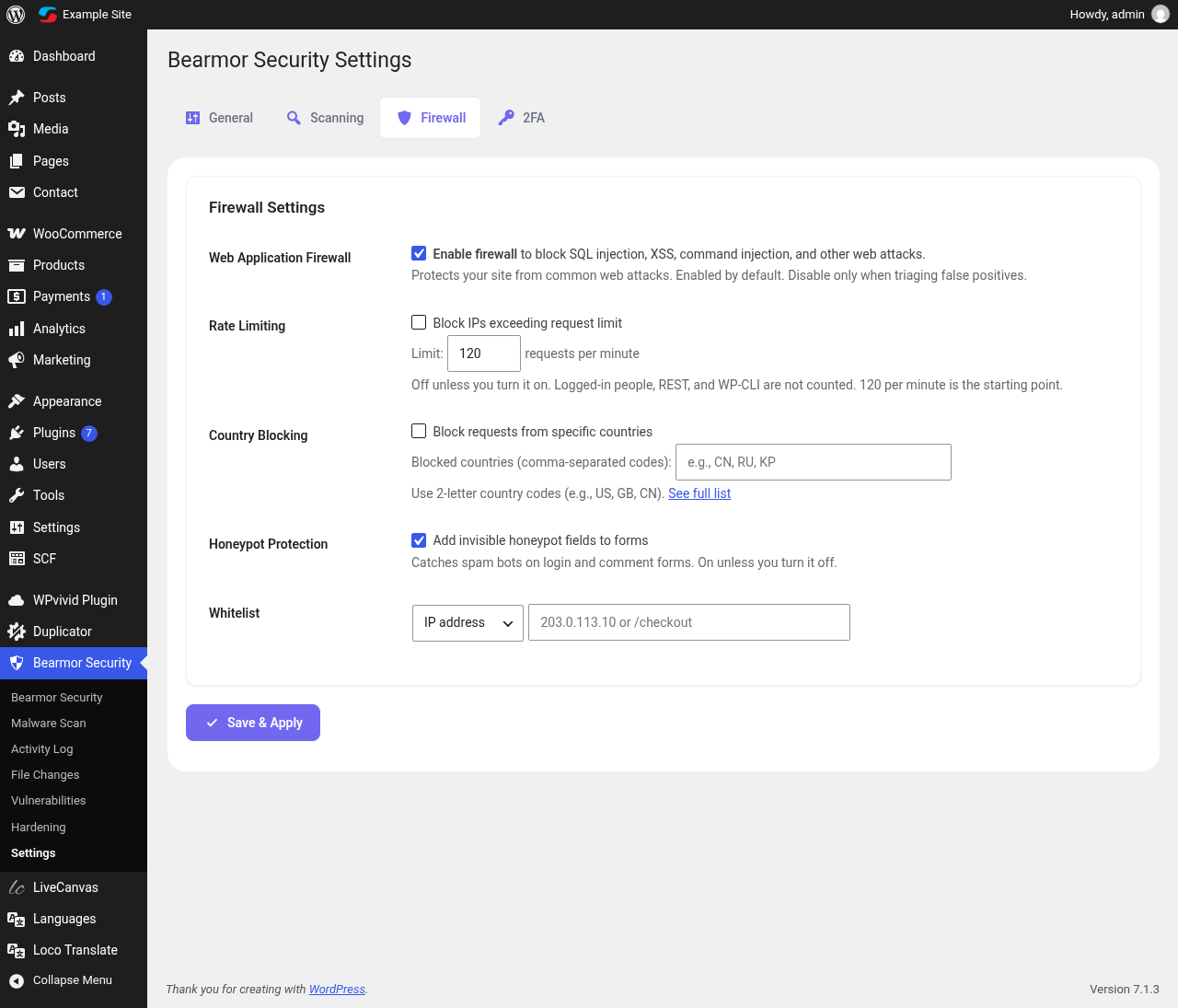
- Blocks common SQL injection, XSS, path traversal and command injection patterns before WordPress loads the page
- Optional rate limiting per IP (logged-in users, WP-CLI and REST are never limited)
- Optional country blocking by 2-letter country code
- IP whitelist so you never lock out yourself or your office
- Honeypot fields on the login and comment forms catch bots without CAPTCHAs
Login protection
- Brute force protection: repeated failed logins trigger 5 minute, 30 minute and 24 hour lockouts, and repeat offenders are blocked permanently
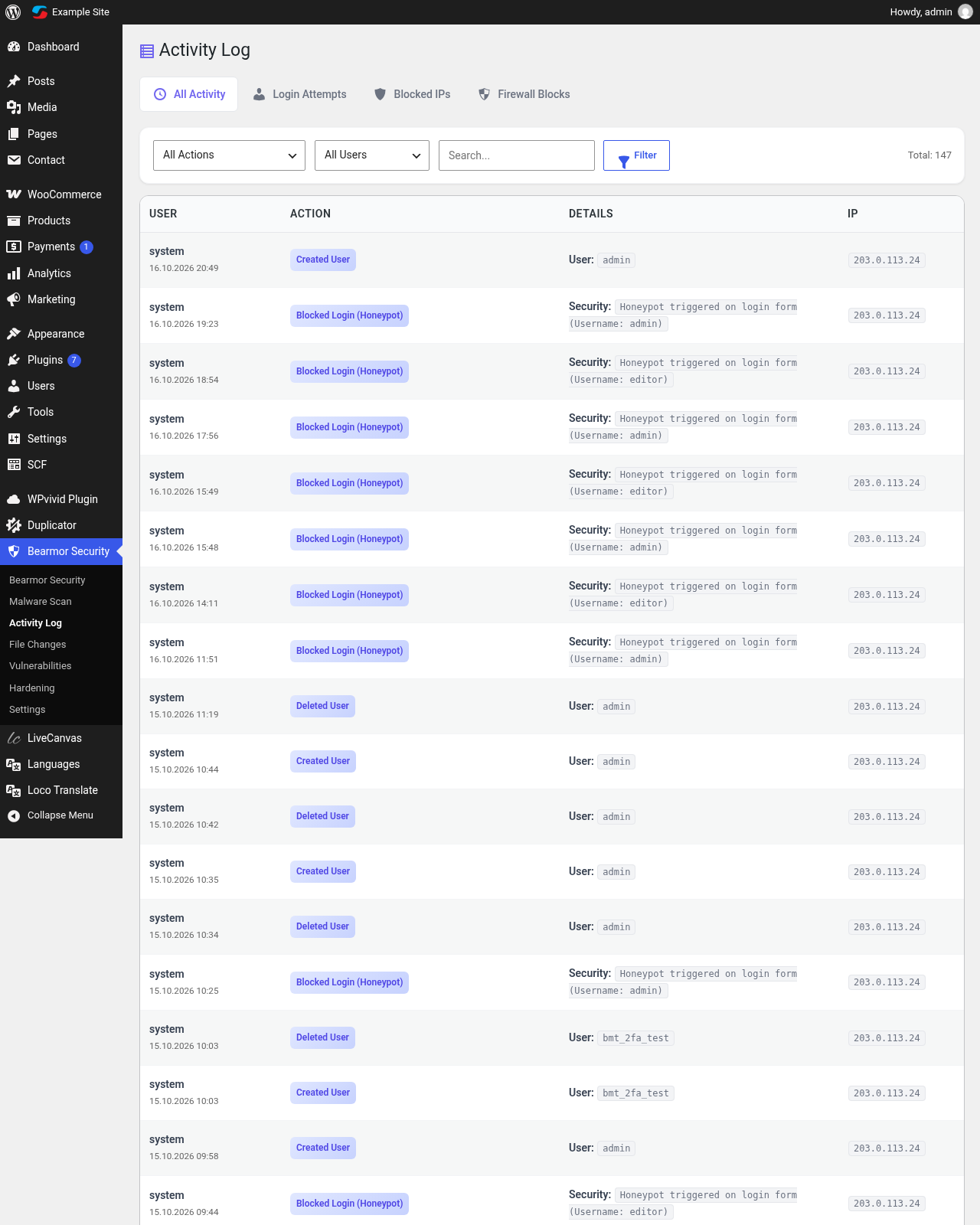
- Login activity log with failed and successful attempts and their country
- Generic login errors so attackers can’t guess usernames
Two-factor authentication (2FA)
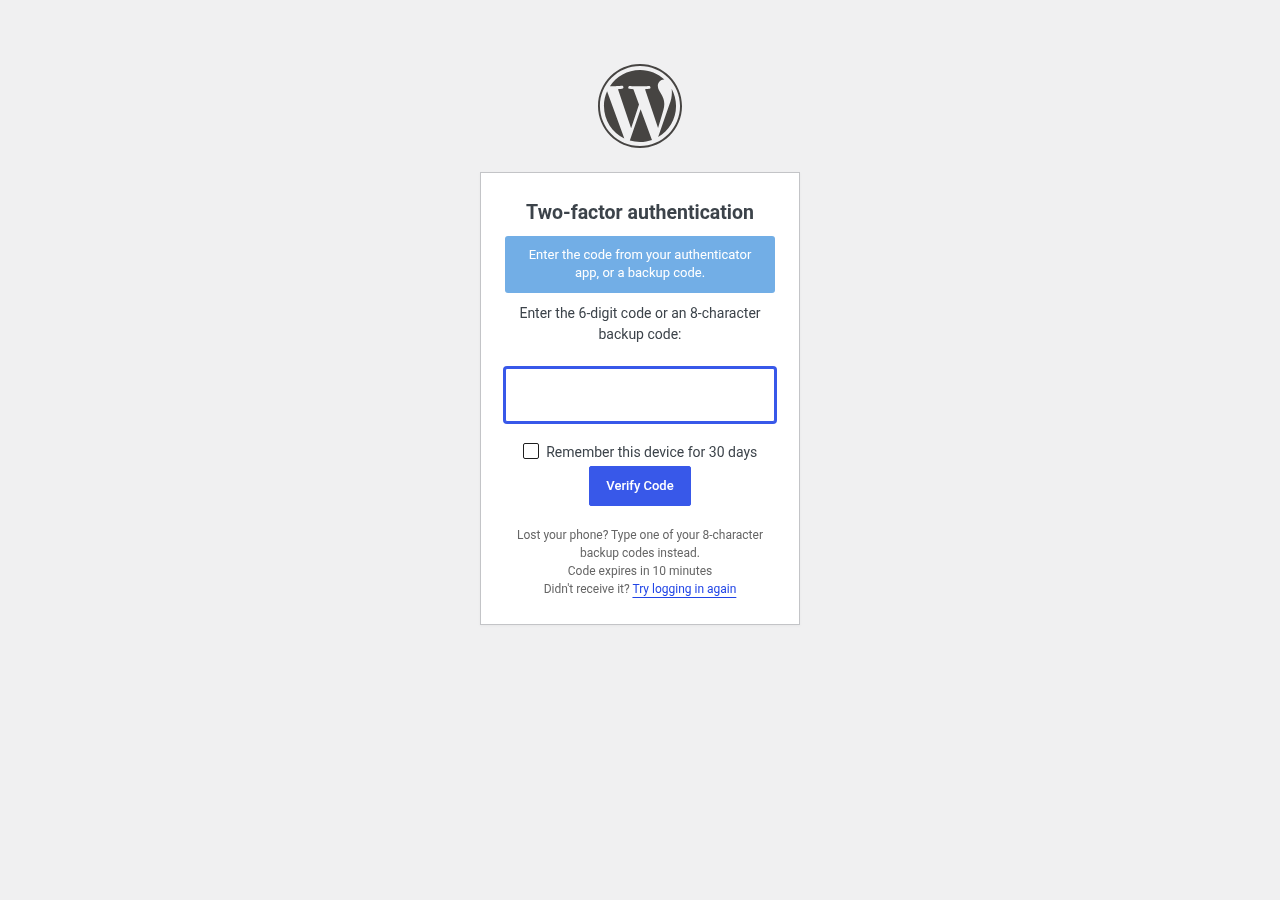
- Authenticator app codes (Google Authenticator, Microsoft Authenticator, Authy, 1Password, Bitwarden and any TOTP app)
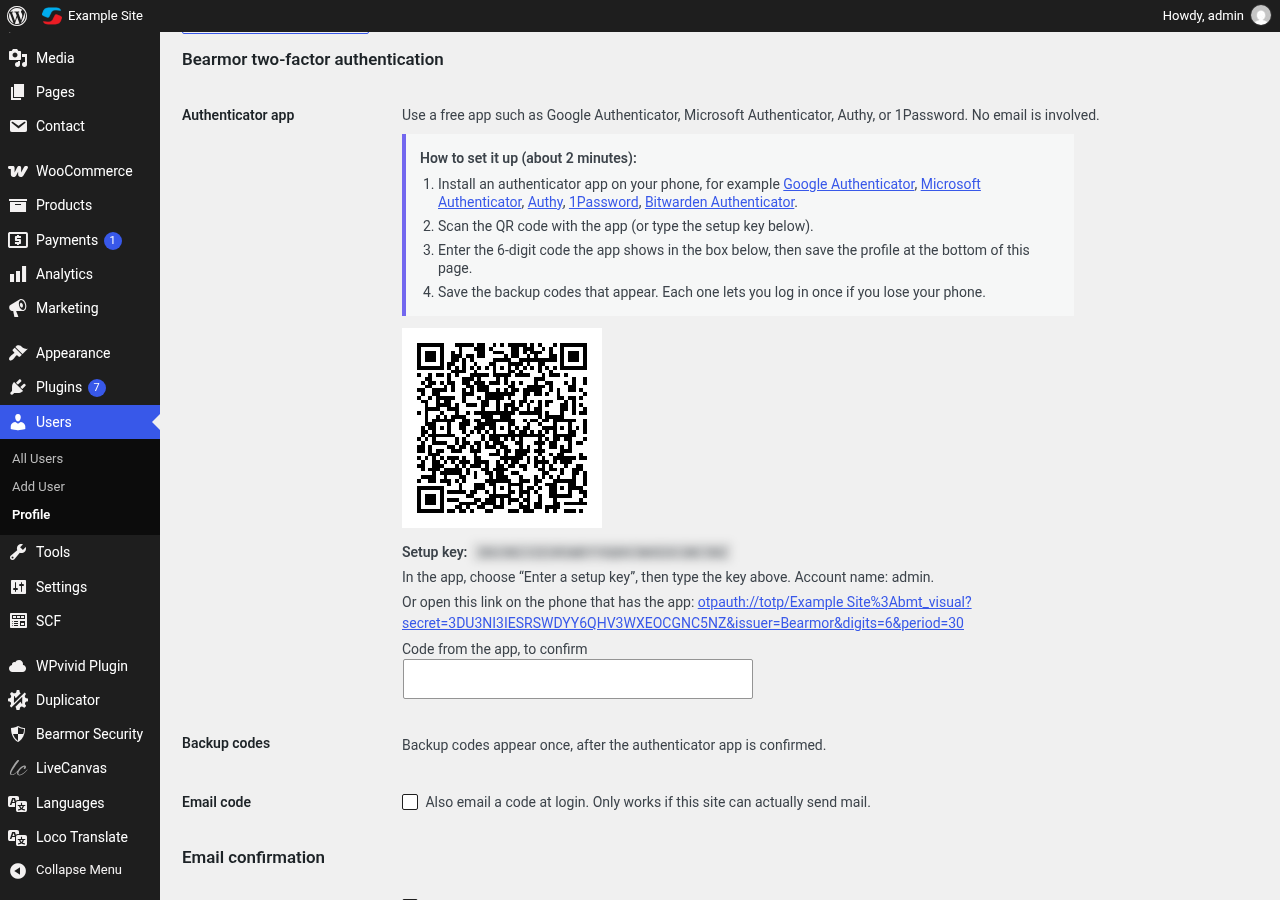
- QR code setup on the user profile, generated on your own server
- One-time backup codes for a lost phone
- Email codes as an alternative method
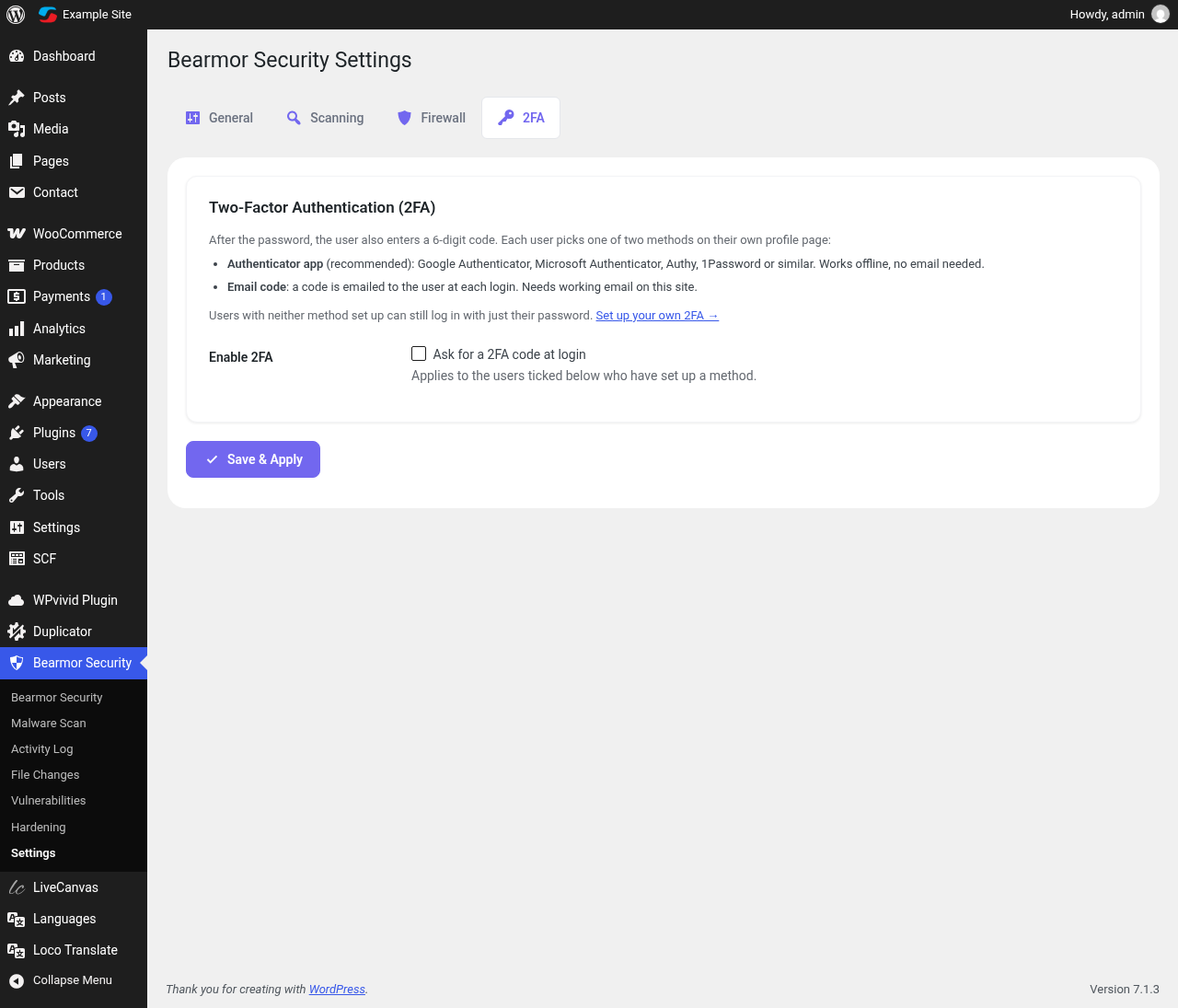
- Choose which administrators must use 2FA; “remember this device for 30 days” option
Malware scanner and file integrity
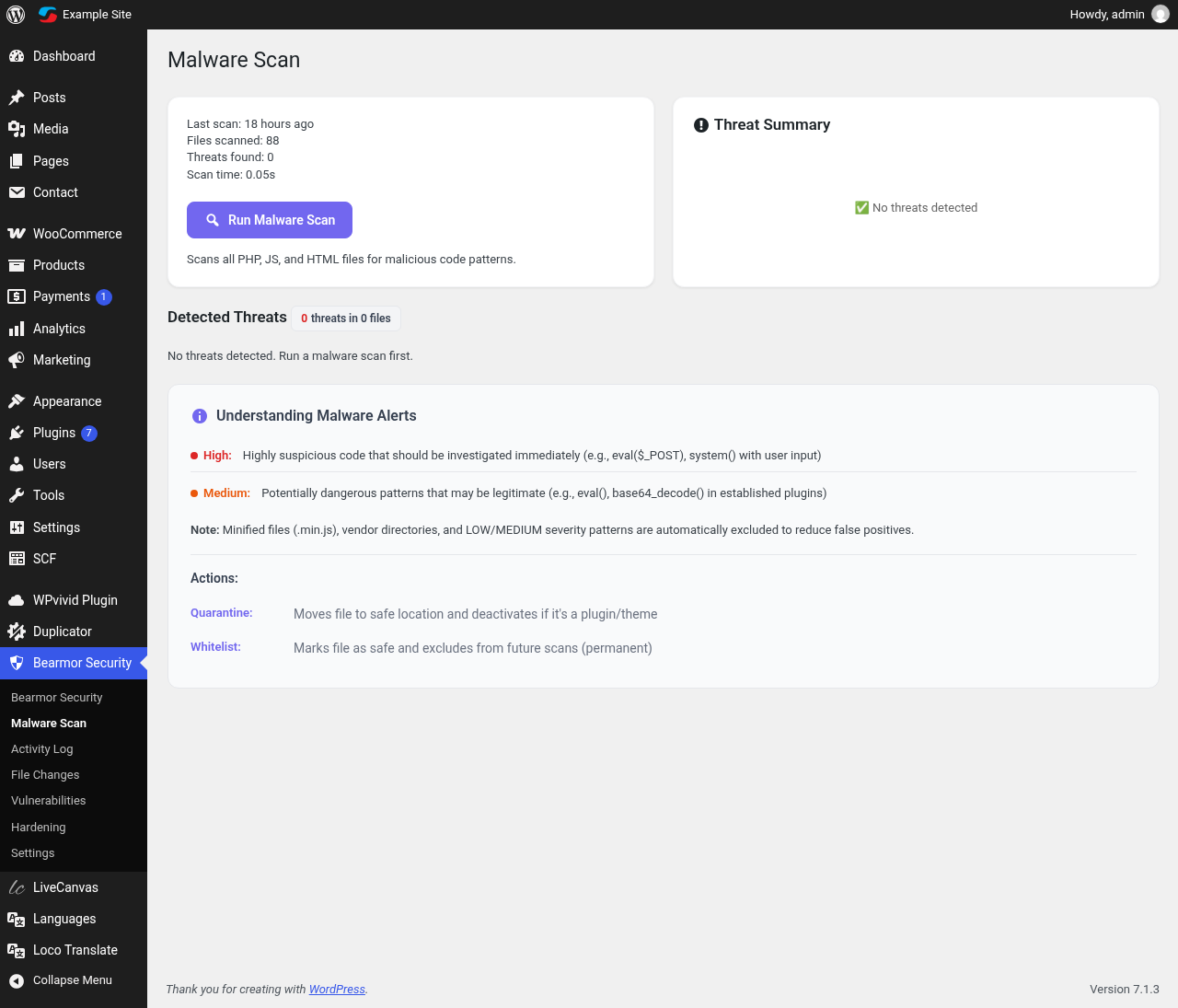
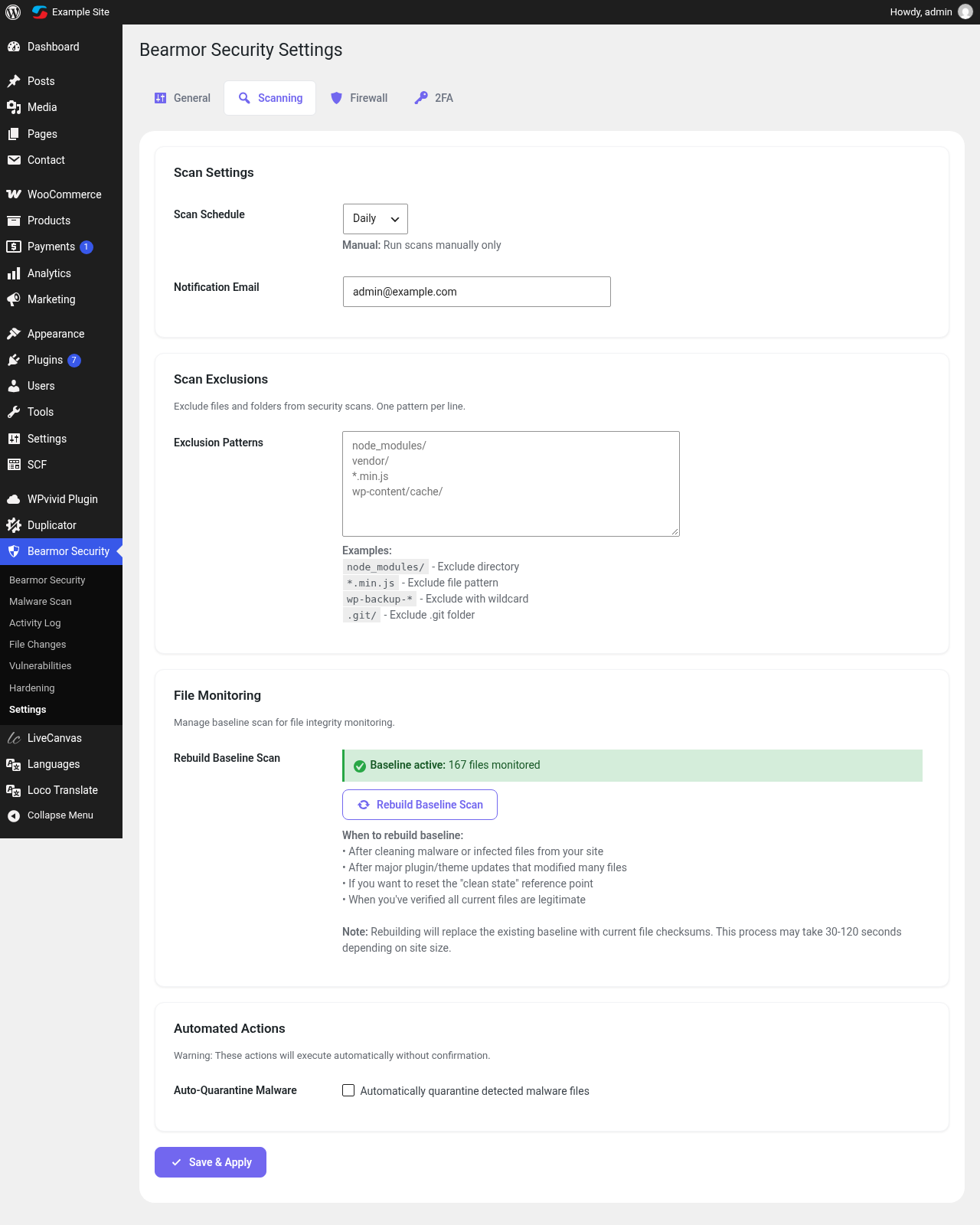
- Daily scan of WordPress root, wp-content PHP files, the active theme, mu-plugins and uploads for backdoors, web shells and obfuscated code
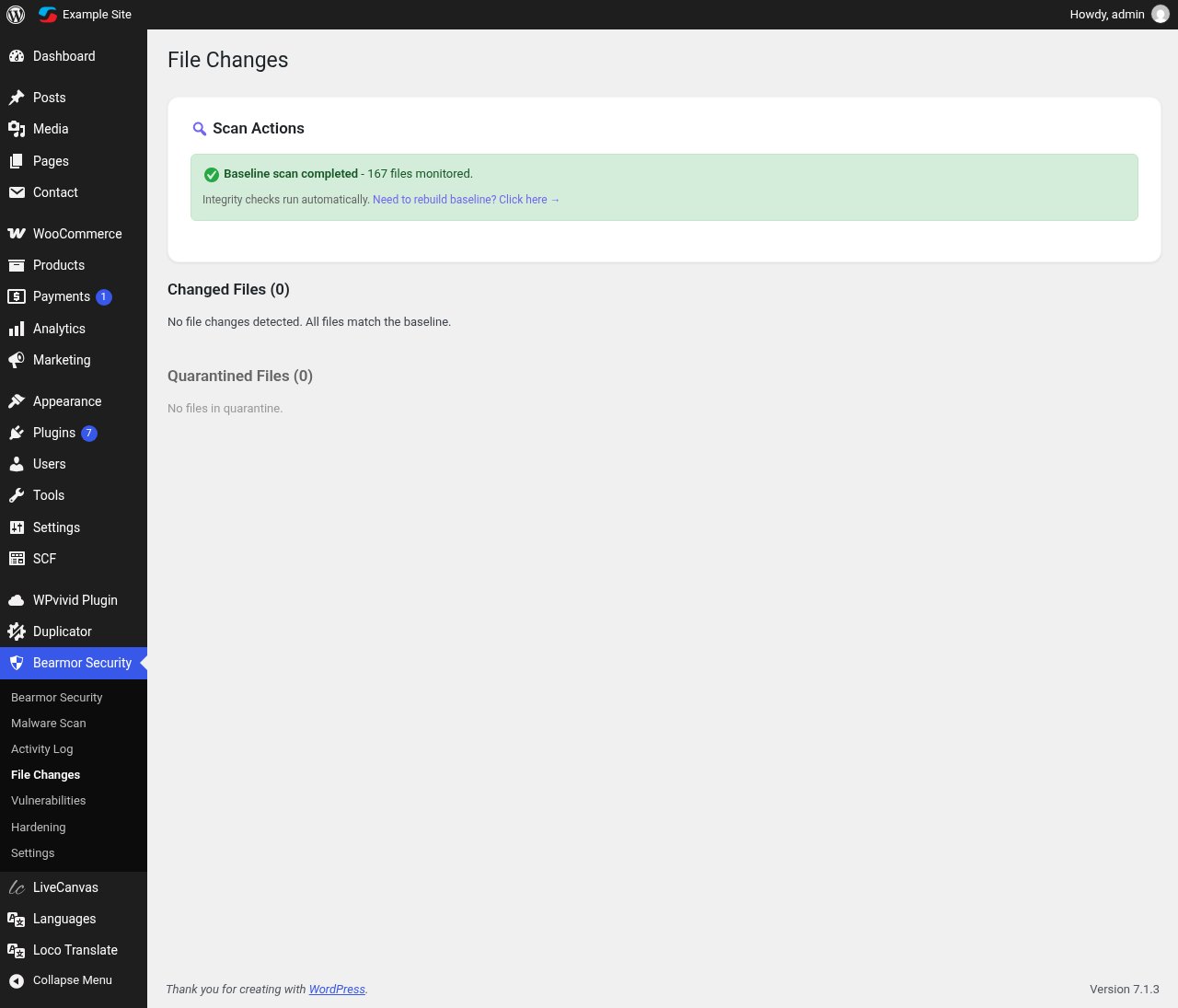
- Core files checked against official WordPress.org checksums, including localized builds
- Alerts for changes in core, wp-config.php, the active theme and PHP files in uploads
- Quarantine, restore, or mark a file as safe in one click
Vulnerability alerts
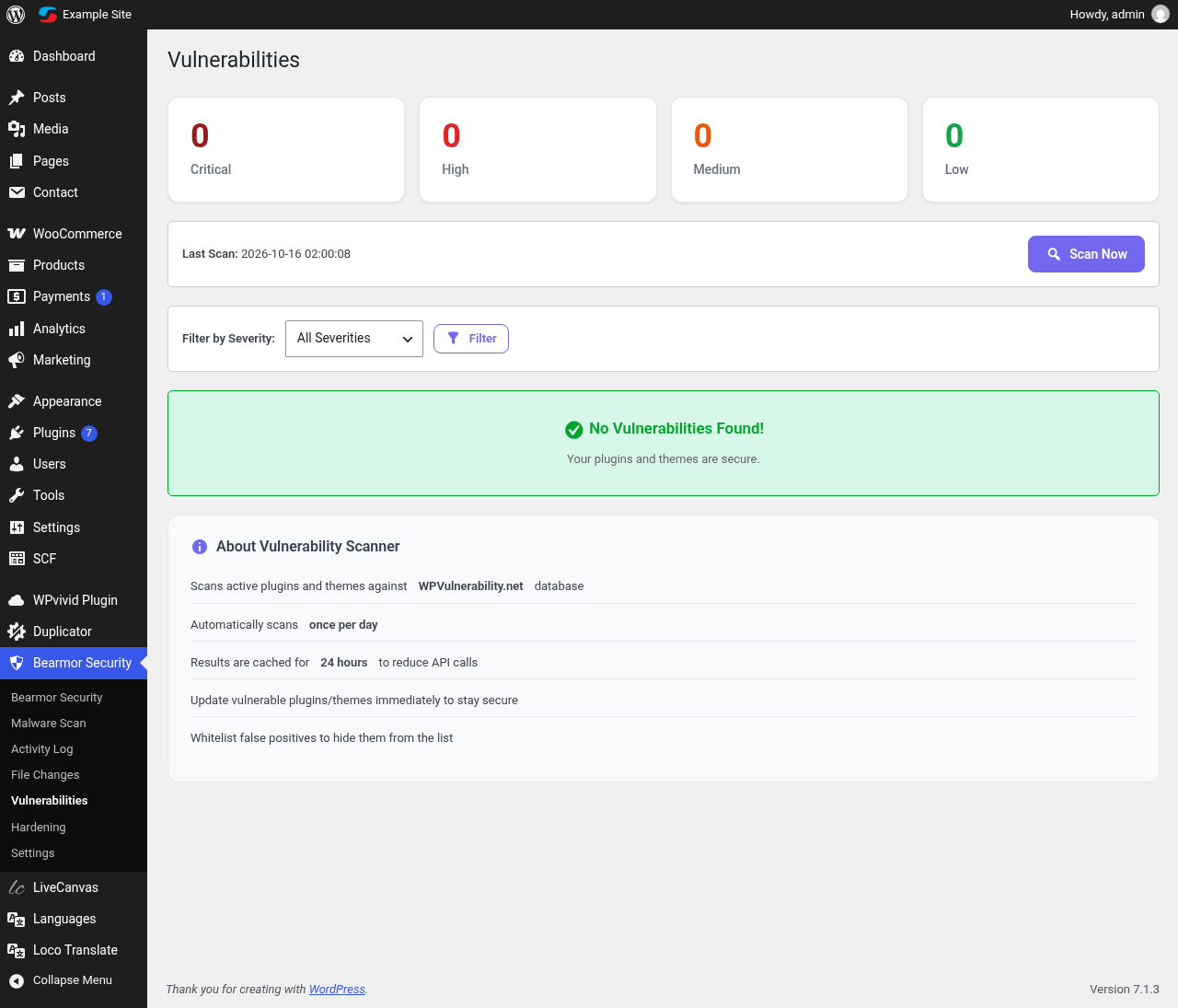
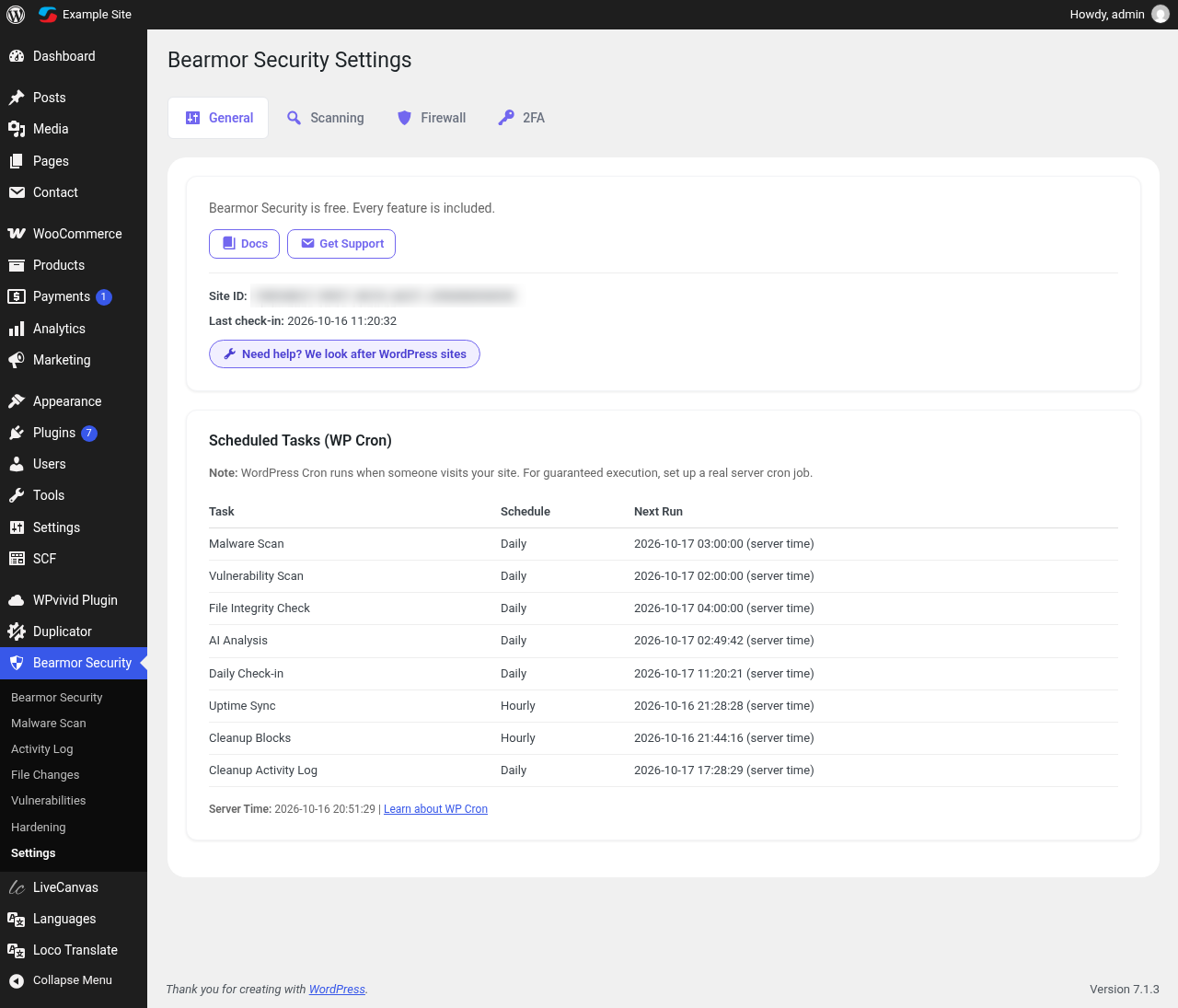
- Daily check of WordPress core, plugins and themes against the WPVulnerability database
- Shows severity, CVE and the fixed version; one email for critical issues
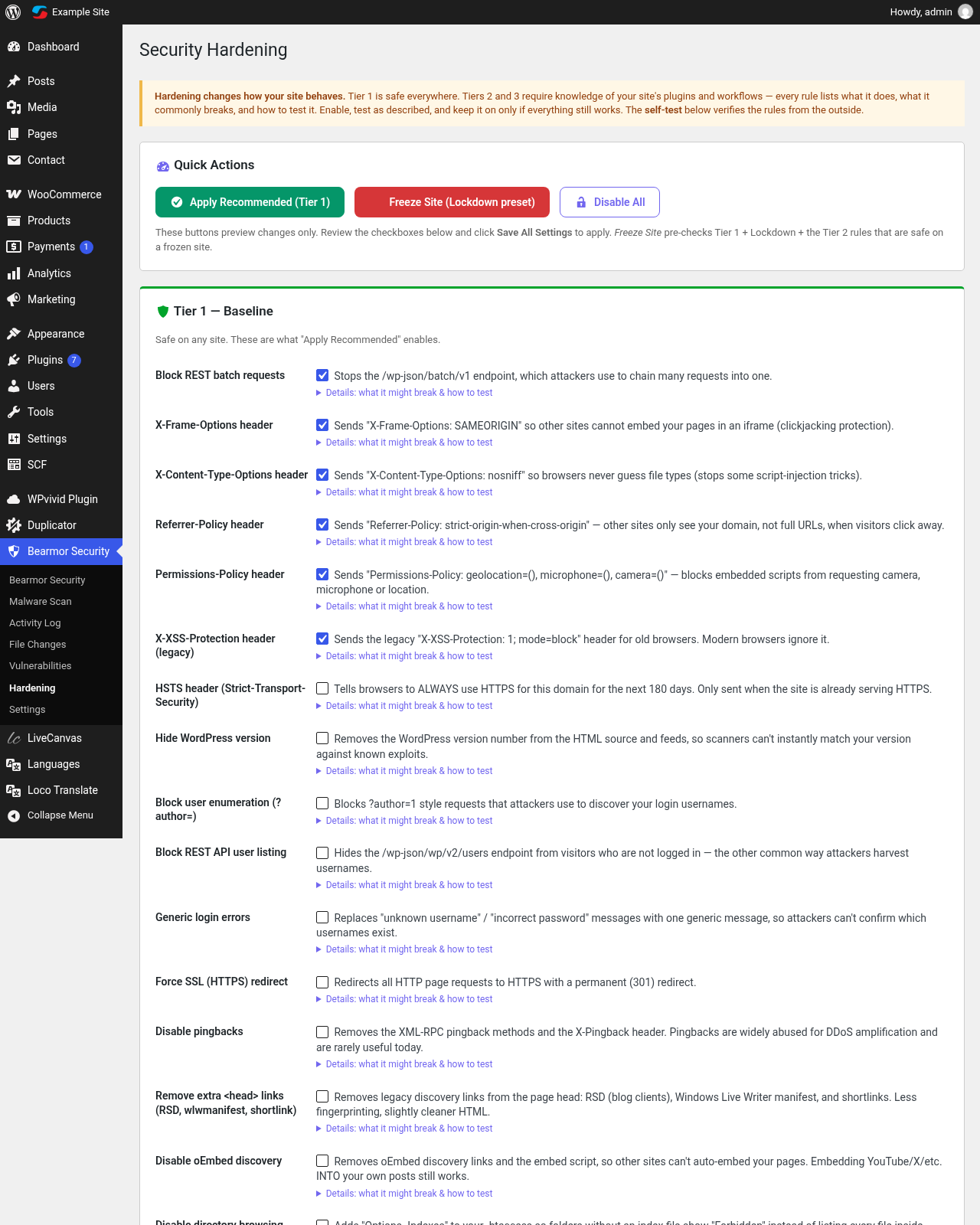
Hardening (30 rules)
- Three tiers: Baseline, Access Hardening and Lockdown
- Security headers: X-Frame-Options, X-Content-Type-Options, Referrer-Policy, Permissions-Policy, HSTS
- Disable XML-RPC, pingbacks, file editor, Application Passwords, user enumeration and REST user listing
- Block PHP execution in uploads, restrict the REST API to logged-in users (Contact Form 7 and WooCommerce checkout keep working)
- “Freeze Site” preset, hourly file tripwire and login IP allowlist for finished sites
- Each rule explains what it does, what it might break and how to test it; a built-in self-test checks that enabled rules work; changes can be undone for 24 hours
AI security summary
- A short, plain-language weekly summary of what is working and what needs attention, with links to the right setting
- Built from your site’s own facts: firewall blocks, failed logins, scans, updates, vulnerabilities and 2FA status
Activity log and uptime
- Audit log of logins and logouts, new and deleted users, plugin installs, activations and deletions, theme switches and file actions
- Uptime monitoring with history on the dashboard
Need a hand?
Prefer someone to look after it for you? Bearmor also offers WordPress maintenance – updates, monitoring and cleanup by real people. The plugin remains fully free either way.
External services
This plugin connects to these services over HTTPS:
- Bearmor (bearmor.eu) – site registration, daily check-in, uptime monitoring and the AI security summary. The summary request sends counts and names (plugin names, versions, scan results), not passwords or visitor data; bearmor.eu generates the text using OpenAI. Privacy Policy, Terms
- WordPress.org API – official core file checksums.
- WPVulnerability API (wpvulnerability.net) – vulnerability data for core, plugins and themes.
- ip-api.com – country lookup for the login activity log.
- ipwho.is – country lookup for firewall country blocking (only when enabled).
Capturas

Instalación
- Install Bearmor Security from Plugins > Add New, or upload the plugin folder to
/wp-content/plugins/. - Activate it. The first file baseline and scans are scheduled automatically.
- Open Bearmor Security > Hardening and switch on the Baseline rules.
- Open your profile, scan the QR code with an authenticator app and save the backup codes.
- In Settings > 2FA, turn on two-factor and tick the administrators who must use it.
Preguntas frecuentes
-
Is Bearmor Security really free?
-
Yes. Every feature is included. There is no PRO version, no license key and no locked features.
-
Which authenticator apps work?
-
Any app that supports standard TOTP codes, such as Google Authenticator, Microsoft Authenticator, Authy, 1Password or Bitwarden.
-
I lost my phone. How do I log in?
-
Use one of your 8-character backup codes. If you have no codes left, add
define( 'BEARMOR_DISABLE_2FA', true );to wp-config.php, log in, and set up 2FA again. -
I locked myself out with the login IP allowlist.
-
The Lockdown tier documents a wp-config.php line that disables the allowlist so you can get back in.
-
Will it break WooCommerce or Contact Form 7?
-
The default rules are safe. “REST API for logged-in users only” keeps the WooCommerce Store API and Contact Form 7 open, and every rule lists what it might affect.
-
Does it slow down my site?
-
Scans run in the background on WP-Cron. The firewall only does fast pattern checks per request.
-
Why are plugin folders not malware-scanned?
-
Plugin code is maintained by its authors and checked by the vulnerability scan instead; Bearmor scans the places attackers usually hide code: core, the active theme, mu-plugins, uploads and root files.
-
What data is sent to bearmor.eu?
-
Site URL, admin email for alerts, plugin version, uptime pings and, for the AI summary, a short security brief with counts and plugin names. No passwords or visitor data.
-
Where is the documentation?
-
At bearmor.eu/docs. There is also a Docs link on the Plugins screen and in the Bearmor dashboard header.
-
Can someone fix my site for me?
-
Yes. See WordPress maintenance for maintenance, monitoring and cleanup services.
Comentarios
Non hai recensións para este plugin.
Colaboradores e desenvolvedores
“Bearmor Security – Free Firewall, 2FA, Malware Scanner & Vulnerability Alerts” é un software de código aberto. As seguintes persoas colaboraron con este plugin.
Colaboradores
Interesado no desenvolvemento?
Revisa o código, bota unha ollada aorepositorio SVN, ou subscríbete ao log de desenvolvemento por RSS.
Rexistro de cambios
2.0.0
A fresh, fully free start. Everything from the 1.2 series in one release:
- Completely free: no PRO plan, no license, no locked features. Vulnerability alerts, AI security summary, uptime and firewall tools are included for everyone.
- Two-factor authentication with any authenticator app: QR code setup on the profile (generated on your server), one-time backup codes, optional email codes, per-admin selection and “remember this device for 30 days”.
- AI security summary: a plain-language overview of what is working and what needs attention, built from your site’s own facts, with links to the right setting.
- Vulnerability alerts for core, plugins and themes, with one email for critical issues.
- One clear status: Protected, Review, or Action needed.
- File integrity: SHA-256 baselines, no repeat alerts for old changes, silent re-baseline after updates, localized WordPress builds checked against their own checksums, Installatron host files ignored.
- Fix: login lockouts expired immediately on sites whose timezone is not UTC; “x ago” times were off by the timezone offset.
- Fix: re-blocking an expired IP no longer fails; fewer database deadlocks on busy sites.
- “REST API for logged-in users only” keeps Contact Form 7 and the WooCommerce Store API (cart, blocks checkout) working.
- Hardening changes can be undone for 24 hours; the REST batch endpoint can be blocked.
- Fix: the 2FA code step no longer shows WordPress’s own Remember Me, Log In and lost-password links.
- Docs and Settings links on the Plugins screen and a Docs button in the dashboard header.
- Lockout emails removed; one email only for critical vulnerabilities or unexpected core, wp-config.php or uploads PHP changes.
1.1.0
- New: Hardening expanded to 25+ rules in three tiers — Baseline (safe everywhere), Access Hardening, and Lockdown (for frozen sites).
- New: Every hardening rule now documents what it does, what it might break, and how to test it after enabling.
- New: Hardening self-test — probes your site anonymously from the outside and verifies each enabled rule actually takes effect, plus warns about known conflicts with active plugins (Jetpack, WooCommerce, Contact Form 7).
- New: “Freeze Site” preset for finished sites: DISALLOW_FILE_MODS, block all uploads, block new user creation, hourly file tripwire with instant email alerts, and a login IP allowlist (with a wp-config escape hatch if you lock yourself out).
- New: Tier 1 rules — HSTS header, pingback disabling, head cleanup (RSD/wlwmanifest/shortlink), oEmbed discovery off, REST user-listing block, directory browsing off (.htaccess).
- New: Tier 2 rules — Application Passwords off, forced registration off, comments off, author archives off, PHP execution blocked in uploads (.htaccess), RSS feeds off, REST API restricted to logged-in users.
- Fix: Force SSL redirect never fired (the hook only registered when the request was already HTTPS).
- Fix: Deactivating the plugin now removes ALL scheduled tasks (previously ~9 cron events were left behind).
- Fix: File action audit entries (quarantine/restore/delete) were written to a table that never existed — they now appear in Security Logs.
- Fix: Dashboard “next scan” widget read a non-existent schedule and always showed “Not scheduled”.
- Fix: Security score now counts hardening rules from the live rule registry, so fresh installs no longer show “0 rules on” while headers are actually being sent.
- Security: Client IP detection no longer trusts spoofable forwarded headers on direct connections (fixes login-block bypass and log poisoning).
- Security: Uptime history AJAX endpoint now requires a nonce.
- Maintenance: Removed dead code (unused batch processor, legacy OpenAI method, orphaned admin page) and updated “Tested up to” to WordPress 7.1.
1.0.4
- Release: Same changes as 1.0.3; version bump to restore WordPress.org auto-updates.
1.0.3
- Fix: Vulnerability matcher reported false positives for unfixed and eq feed records.
- Fix: Matcher now correctly combines min/max bounds and handles the eq operator.
- Fix: Example: WooCommerce 10.x no longer flagged for a 7.1.0-only issue.
- Fix: Existing false-positive vulnerability rows and cached API responses are purged on upgrade and re-evaluated silently with the corrected matcher.
- Fix: Dashboard uptime auto-sync never fired due to an incorrect admin page slug check.
- Security: Call-home requests (uptime, AI analysis) now authenticate with the per-site key.
- Maintenance: Site registration now initialises on activation; removed dead code and leftover .bak files.
1.0.2
- Fix: Fatal error in cron-based file integrity check —
Bearmor_Checksum::get_checksum()was renamed toget_stored()and the call site was not updated, causing daily scans to crash and trigger a WP recovery email - Fix: Hash algorithm mismatch in
check_root_directory()— baseline stored SHA-256 but integrity comparison used SHA-1, causing all root-level files to be incorrectly flagged as changed
1.0.1
- Initial public release