Descrición
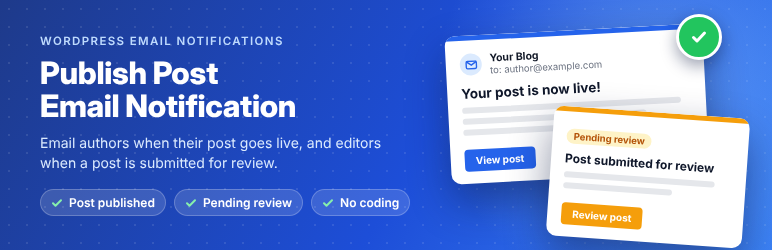
Publish Post Email Notification sends automatic emails at the two moments that matter most on a multi-author WordPress site:
- Post published – the author gets an email as soon as their post goes live, with a link to it.
- Submitted for review – you (or your editors) get an email when a contributor submits a post, with links to review and edit it.
No more authors asking “Is my post live yet?” and no more pending posts sitting unnoticed for days.
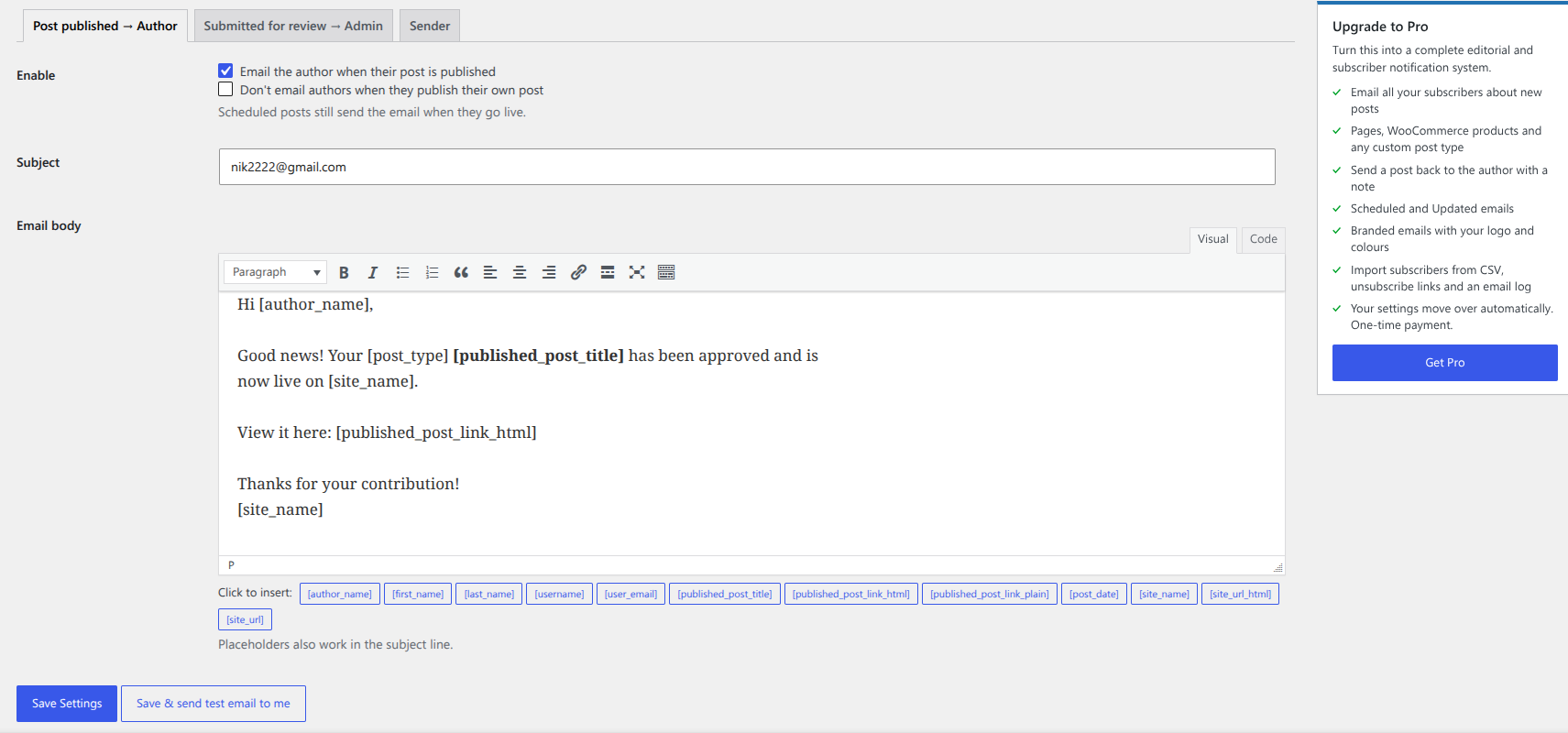
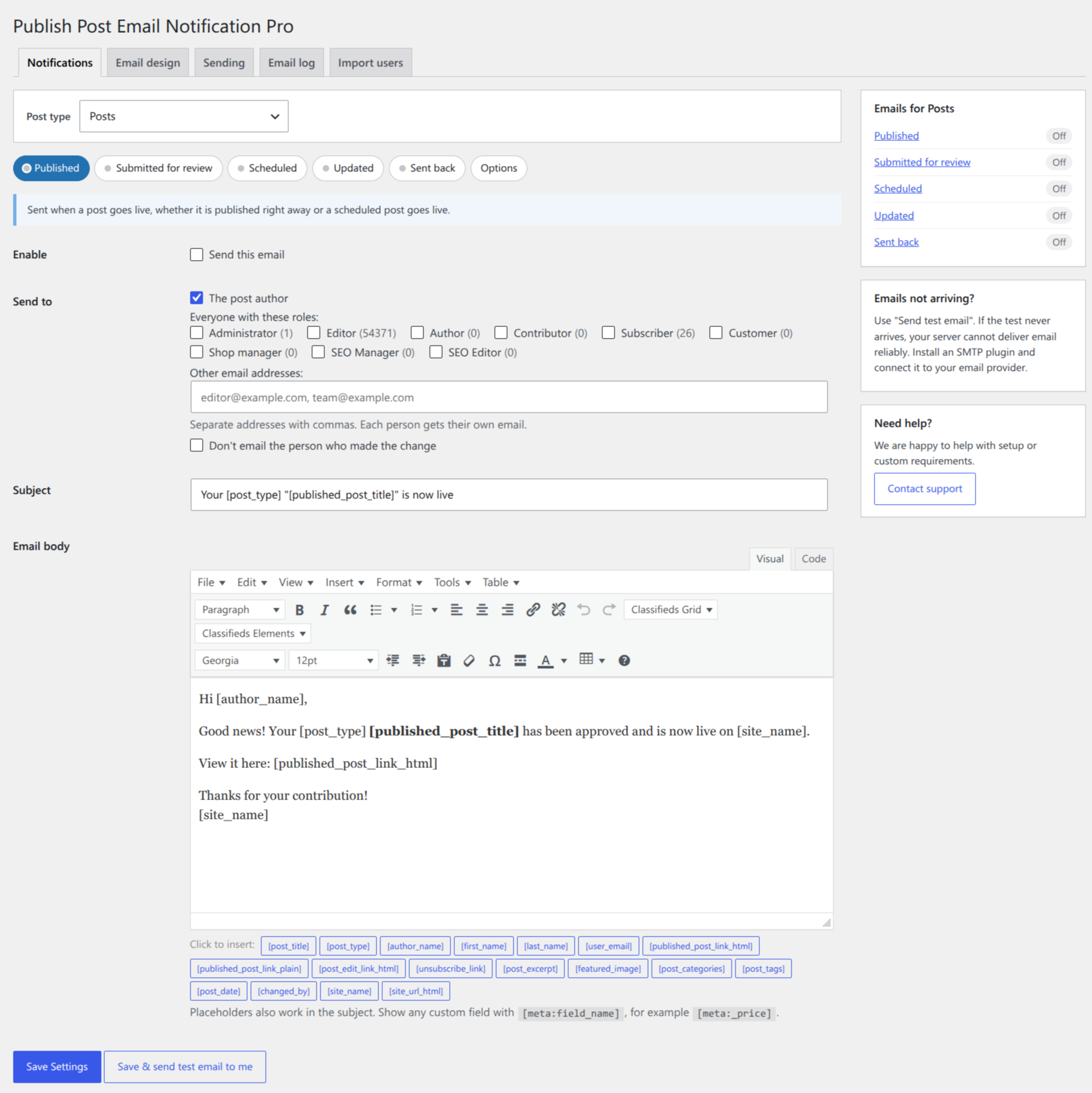
Set it up once under Settings Post Email Notifications, write your email in the WordPress editor, click a placeholder to add the post title or link, and send yourself a test email to check it. That’s it.
Why use it?
- Keep writers motivated – contributors and guest authors know the moment their work is published.
- Review posts faster – editors hear about new submissions straight away instead of checking the Posts screen.
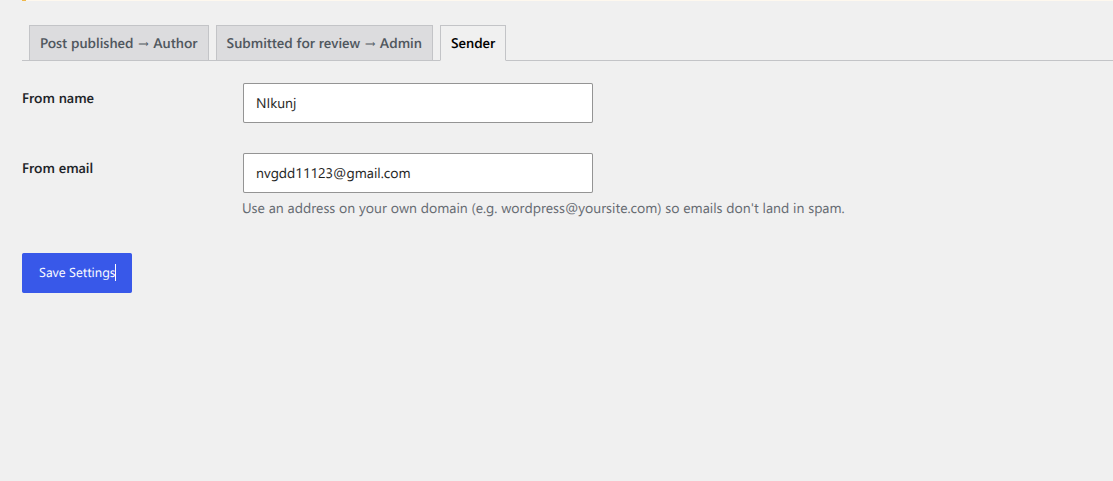
- Look professional – every email uses your site name, your sender address and your own wording.
- Lightweight – one small plugin, no external service, no account, no tracking.
Features
- Email the post author when a post is published (including scheduled posts when they go live).
- Email one or more addresses when a post is submitted for review.
- Write each email in the WordPress editor (HTML supported).
- Click-to-insert placeholders: [author_name], [first_name], [last_name], [user_email], [post_title], [post_date], [published_post_link_html], [post_edit_link_html], [post_preview_link_html], [site_name], [site_url_html] and more.
- “Save & send test email to me” button that shows the exact mail error if your server can’t send email.
- Option to skip the email when you publish your own post.
- Each post is announced only once, so later updates don’t send the email again.
- Works with any SMTP plugin, such as WP Mail SMTP, FluentSMTP or Post SMTP.
- Translation ready.
Need more? Get Pro
Publish Post Email Notification Pro turns this into a complete editorial and subscriber notification system:
- Every post type – pages, WooCommerce products, events, listings, portfolios and any custom post type.
- Three more emails – Scheduled, Updated, and Sent back to author with a note from the editor (a button in the block and classic editor).
- Email all your subscribers about new posts, or any role – sent safely in the background at the speed you choose, with unsubscribe links and one-click unsubscribe for Gmail and Yahoo.
- Import subscribers from a CSV file (Mailchimp, Excel, Google Sheets).
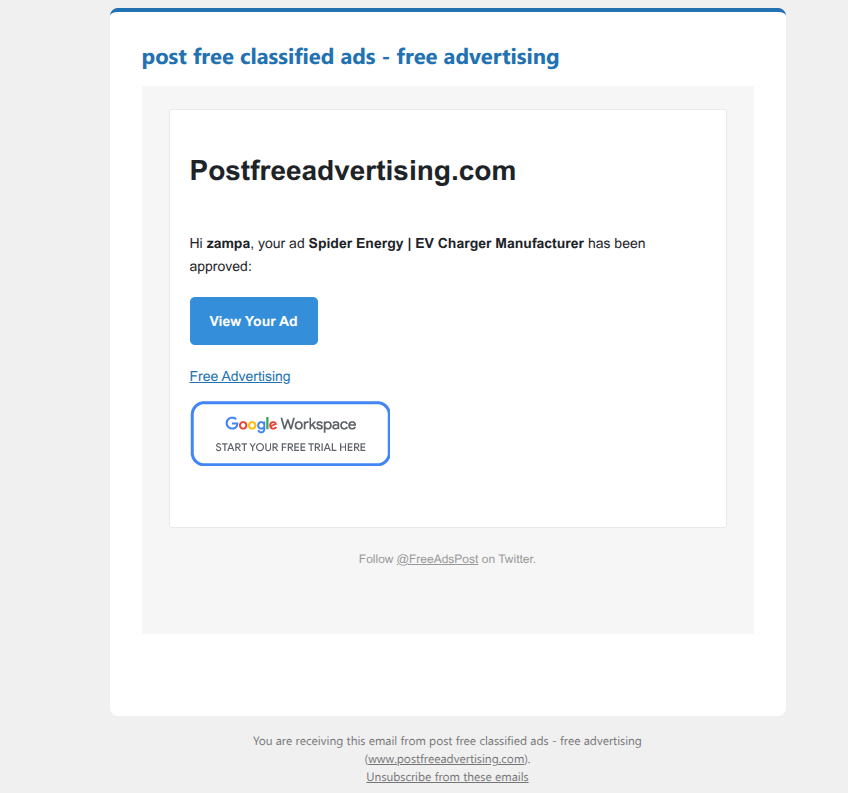
- Branded emails with your logo, colours, buttons and footer, with a live Desktop/Mobile preview.
- Email log with sent, waiting and failed emails, retry and resend.
- 25+ placeholders, including categories, tags, featured image and custom fields.
Your free settings are moved over automatically when you upgrade. One-time payment, no subscription.
Capturas

Instalación
- In your WordPress dashboard go to Plugins Add New, search for “Publish Post Email Notification” and click Install Now, then Activate.
- Go to Settings Post Email Notifications.
- On the Post published tab, check the email to the author and change the text if you like.
- On the Submitted for review tab, turn on the email and enter the addresses that should receive it (your admin email is used if you leave it empty).
- Click Save & send test email to me to see the email in your inbox.
Preguntas frecuentes
-
It’s on by default. When a post changes to Published, the post author gets the “Post published” email. You can change the subject and text under Settings Post Email Notifications.
-
How do I get an email when a contributor submits a post for review?
-
Open the “Submitted for review” tab, tick the box to turn it on and enter one or more email addresses, separated by commas. Leave it empty to use the site’s admin email.
-
In WordPress, users with the Author role can publish their own posts, so their posts never go to review. Only Contributors (and roles without the publish capability) submit posts for review.
-
Emails are not arriving. What can I do?
-
Click “Save & send test email to me”. If the test fails, the plugin shows the error from your server. Most hosts don’t deliver WordPress email reliably, so install an SMTP plugin such as WP Mail SMTP or FluentSMTP and connect it to your email provider. Also check your spam folder.
-
No. Each post is announced once, when it is first published. The Pro version has an optional “Updated” email, limited to one per post every 10 minutes.
-
Does it work with custom post types or WooCommerce products?
-
The free version works with blog posts. Pro supports pages, WooCommerce products and every custom post type, each with its own emails.
-
Can I email all my subscribers when I publish a new post?
-
Yes, with Pro. Tick the Subscriber role and every subscriber gets their own email, sent in the background at a safe speed with an unsubscribe link.
-
Does it work with the block editor (Gutenberg) and the classic editor?
-
Yes. Emails are sent when the post status changes, whichever editor you use.
-
I updated from version 1.0.x. Do I need to set it up again?
-
No. Your email template and sender details are kept.
Comentarios


Colaboradores e desenvolvedores
“Publish Post Email Notification” é un software de código aberto. As seguintes persoas colaboraron con este plugin.
Colaboradores
Traduce “Publish Post Email Notification” ao teu idioma.
Interesado no desenvolvemento?
Revisa o código, bota unha ollada aorepositorio SVN, ou subscríbete ao log de desenvolvemento por RSS.
Rexistro de cambios
1.1.0
- New: “Submitted for review” email to admins and editors when a contributor submits a post.
- New: “Save & send test email to me” button that shows the mail error if sending fails.
- New: Click-to-insert placeholder buttons and new placeholders: [author_name], [post_title], [post_date], [post_edit_link_html], [post_preview_link_html] and more.
- New: Option to skip the email when you publish your own post.
- New: Settings screen with tabs.
- Improved: Each post is announced only once.
- Improved: Special characters in post titles show correctly in the subject.
- Improved: Security hardening and code rewrite. Requires WordPress 5.8 and PHP 7.2.
- Your 1.0.x settings are kept.
1.0.2.4
- Fixed vulnerability.
1.0.2.3
- Fixed vulnerability.
- Tested with WordPress 6.3
1.0.2.2
- Improve security.
- Tested with WordPress 6.2
1.0.2.1
- Fixed undefined variable problem.
- Tested with WordPress 5.9
1.0.2
- Fixed character set problem for non-English languages.
- Tested with WordPress 5.5
1.0.1
- Added WordPress capabilities feature.
- Added WordPress editor for email content.
- Tested with WordPress 5.1
1.0
- Stable 1.0 first release