

Descrición
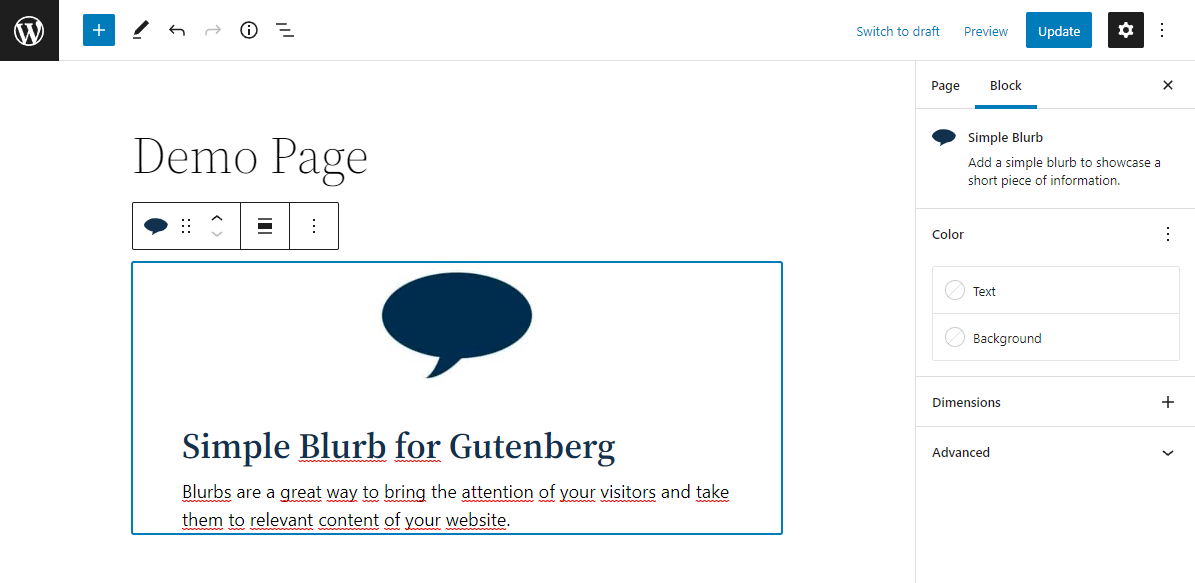
This plugin will allow you to add a blurb from the WordPress block editor.
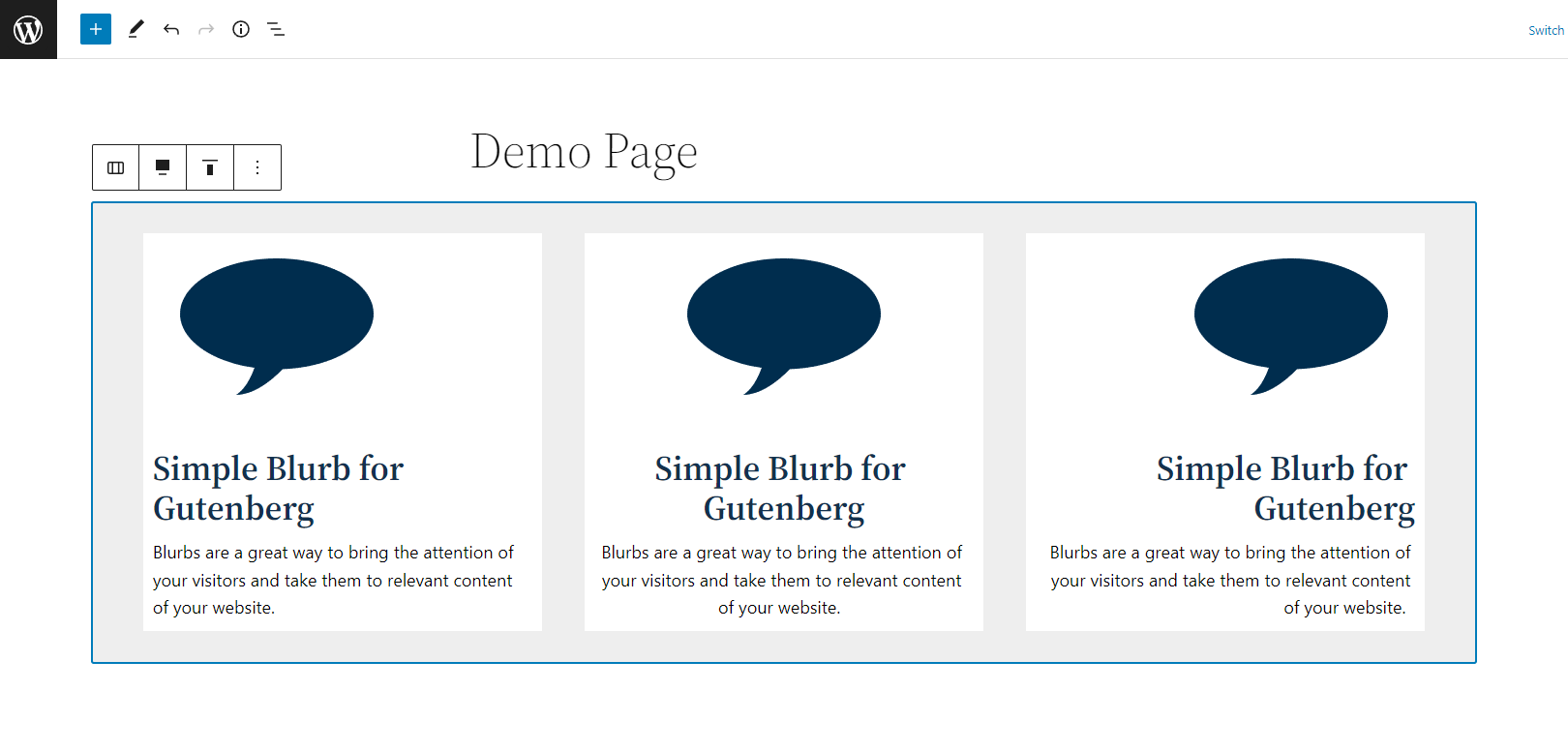
Blurbs are a great way to inform your visitors about important content of your website by using a image, a title and a description.
For the title and the description we use built-in Gutenberg blocks.
Features
- Alignments: you will able to align the blurb content, the image, the title and the description from the block toolbar
- Image top animation: enable a smooth top animation from the settings sidebar
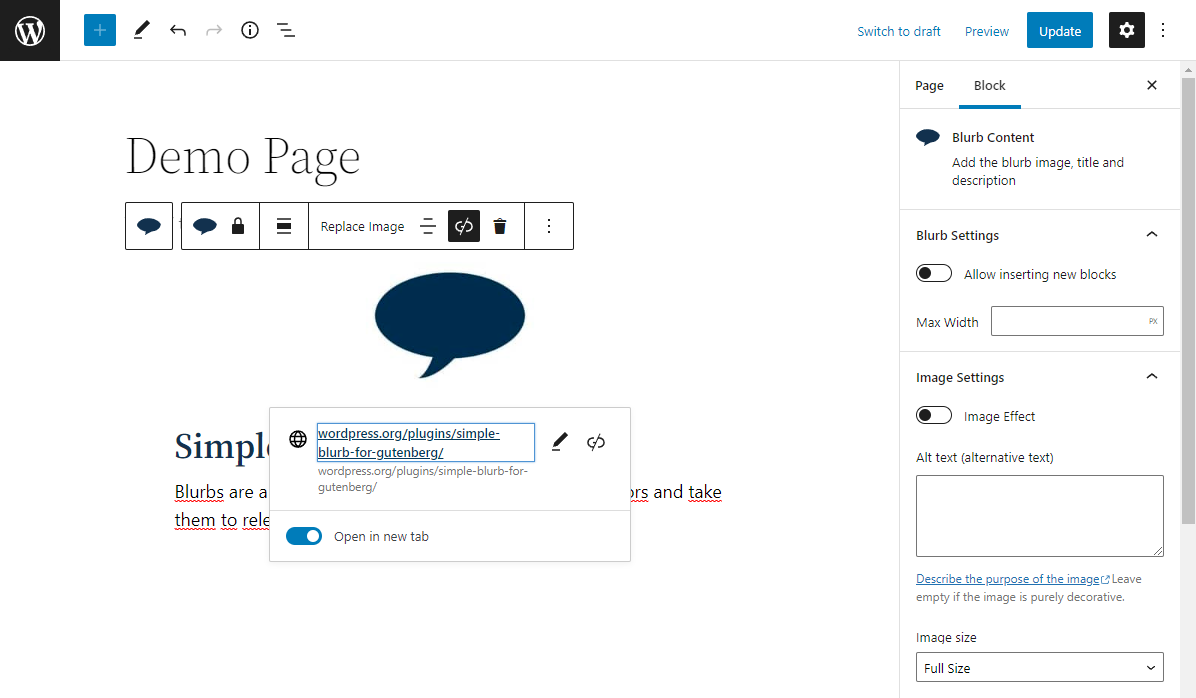
- New blocks in the description: enable the ability to add new blocks (paragraphs and list) from the settings toolbar.
- Customization: This plugin offer fields to set the blurb maximum width, color, padding, etc.
- This is just a simple blurb. If people use it and like it, new interesting features will be added!
Capturas
Blocks
Este plugin proporciona 1 bloque.
- Simple Blurb Add a simple blurb to showcase a short piece of information.
Instalación
- Upload the plugin files to the
/wp-content/plugins/jc-blocks-simple-blurbdirectory, or install the plugin through the WordPress plugins screen directly. - Activate the plugin through the ‘Plugins’ screen in WordPress
- Once the plugin has been activated, a new block called ‘Simple Blurb’ will appear in the block inserter.
Comentarios

19 de Xuño, 2024
Muy bueno, simple y fácil. Si añades la opción de alinear imágenes a la derecha o izquierda del texto seria genial.
Colaboradores e desenvolvedores
“Simple Blurb” é un software de código aberto. As seguintes persoas colaboraron con este plugin.
Colaboradores
Traduce “Simple Blurb” ao teu idioma.
Interesado no desenvolvemento?
Revisa o código, bota unha ollada aorepositorio SVN, ou subscríbete ao log de desenvolvemento por RSS.
Rexistro de cambios
1.0.0
- Plugin release.